
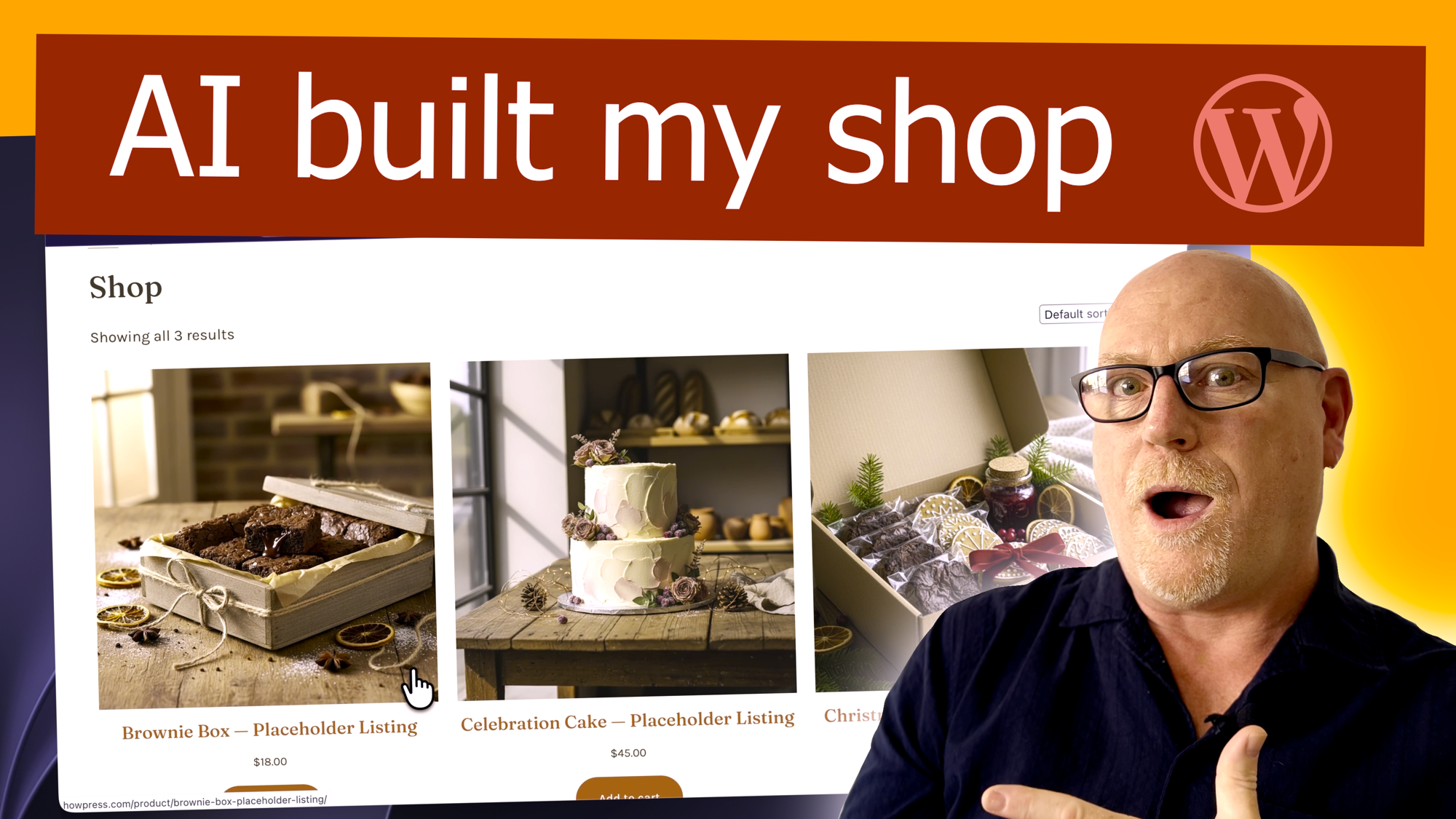
The WordPress Agent on WordPress.com can now build an online store for you. Tell it you want to sell something and it installs WooCommerce, designs a store layout and adds example products for you to replace with your own. WordPress.com announced this in its changelog on 31 October 2026, and it works on all paid plans.
Checkout my latest video on this
Until now the WordPress Agent was mainly about building and editing sites: generating a custom theme, laying out pages and tidying things up in the AI Editor. The new part is store building. In WordPress.com’s words, “Tell the WordPress Agent you want to sell something, and it’ll set up the store for you.”
According to the changelog, the agent does three things:
- installs the WooCommerce plugin
- designs a store layout
- adds example products for you to start from
The announcement doesn’t mention payments, shipping or tax settings, so expect to do those yourself in WooCommerce afterwards.
Store building with AI works on all paid WordPress.com plans.
How to start
The changelog points to the AI website builder Appearance > AI Editor. You type what you want into the prompt box, and if you say you want to sell something, the agent goes down the store route.
A sensible first prompt describes what you sell, who it’s for and the feel you want. For example: “I sell hand-thrown ceramic mugs to coffee lovers in the UK. I want a calm, minimal shop with a homepage, a shop page and an about page.” Be specific. The more the agent knows, the less you’ll need to change afterwards.
Once it’s built, treat the example products as placeholders. Replace the titles, prices, images and descriptions with your own, then go through WooCommerce’s settings for payments, shipping and tax before you take a real order.
This is aimed at people who want to sell a few things and would otherwise be put off by the WooCommerce setup screens. Small makers, local businesses and anyone with a side project will get the most out of it. Getting from a blank site to something that looks like a shop takes a lot less effort, and you still end up with a normal WooCommerce store you can grow.
If you already know WooCommerce well, you probably won’t save much time on the setup. The layout and product scaffolding could still be a useful starting point for a client demo or a quick prototype.
This lands at the start of November, right before Black Friday and the Christmas rush. The same changelog also says sites on the free plan can use AI agents (the ChatGPT plugin or the Claude connector) to manage their site through November. That’s a separate feature from store building, which needs a paid plan.
Leave a Reply