
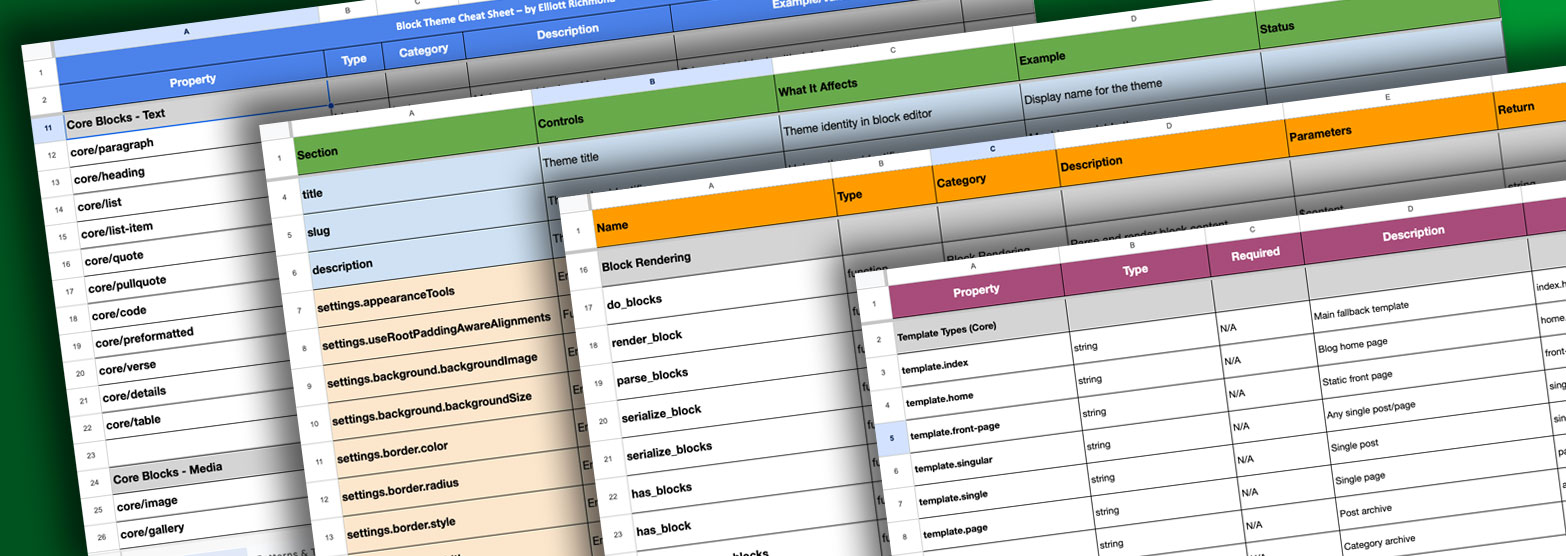
I Made a Cheat Sheet for FSE Block Themes (So You Don’t Have to Reinvent the Wheel)
Here’s the thing about developing with Full Site Editing block themes: you’re constantly looking stuff up. What blocks are available in core? What goes in theme.json? Which hook was it that fixes that one annoying thing?
I’ve been building FSE block themes for a few years now, and I kept finding myself Googling the same things over and over. Digging through docs. Finding a solution, fixing the problem, then completely forgetting how I did it three weeks later.
So I made myself a cheat sheet. And then I thought, why not share it?
Who’s this for?
If you’re already deep in WordPress development, you probably have your own system. But if you’re just dipping your toes into building a theme or you’re a developer who’s done other things but FSE block themes are new territory this is for you.
You don’t need to be an expert. You just need to be the kind of person who’s willing to get their hands dirty and figure things out. This cheat sheet won’t teach you everything from scratch, but it’ll give you the reference points you need when you’re actually building.
What’s in it
This isn’t some comprehensive guide that tries to teach you everything. It’s a quick reference, the kind of thing you keep open in a tab while you’re actually building.
Core blocks: What’s available, what category they’re in, what they actually do. Because sometimes you just need to know if WordPress has a block for that thing before you write your own.
Patterns and templates: Template parts, their types, descriptions, values, and the full structure. The stuff you need when you’re wiring up your theme but can’t remember the exact syntax.
theme.json reference: Settings, styles, and all those config options that are impossible to keep in your head. It’s all there.
Actions and filters: The hooks I actually use. Not every hook that exists, just the ones that come up when you’re solving real problems.
The thing about this list is it’s curated. I’ve researched this stuff, tried things out, hit dead ends, found what works. Sometimes I just copy these functions, paste them in, and search the docs for the details. But having them all in one place saves me the hassle of rediscovering them every time.
The troubleshooting tab
This might be the most useful bit, honestly.
There’s a section for problems I’ve run into and how I fixed them. Because here’s what happens: you spend two hours figuring out why your template part isn’t showing up. You fix it. You feel smart. Then six months later, you hit the exact same problem and have no idea what you did.
So now I document it. My past self helps out my future self. And maybe it’ll help you too.
It’s basically a running document of my troubleshooting process, the weird issues, the non-obvious fixes, the things that only make sense once you’ve been bitten by them.
Grab it if you want it
This is a working document for working developers. If you’re building FSE block themes and you’re tired of keeping seventeen tabs open just to remember how things work, this might save you some time.
No fluff. Just the stuff you actually need when you’re in the middle of building something.


Leave a Reply