
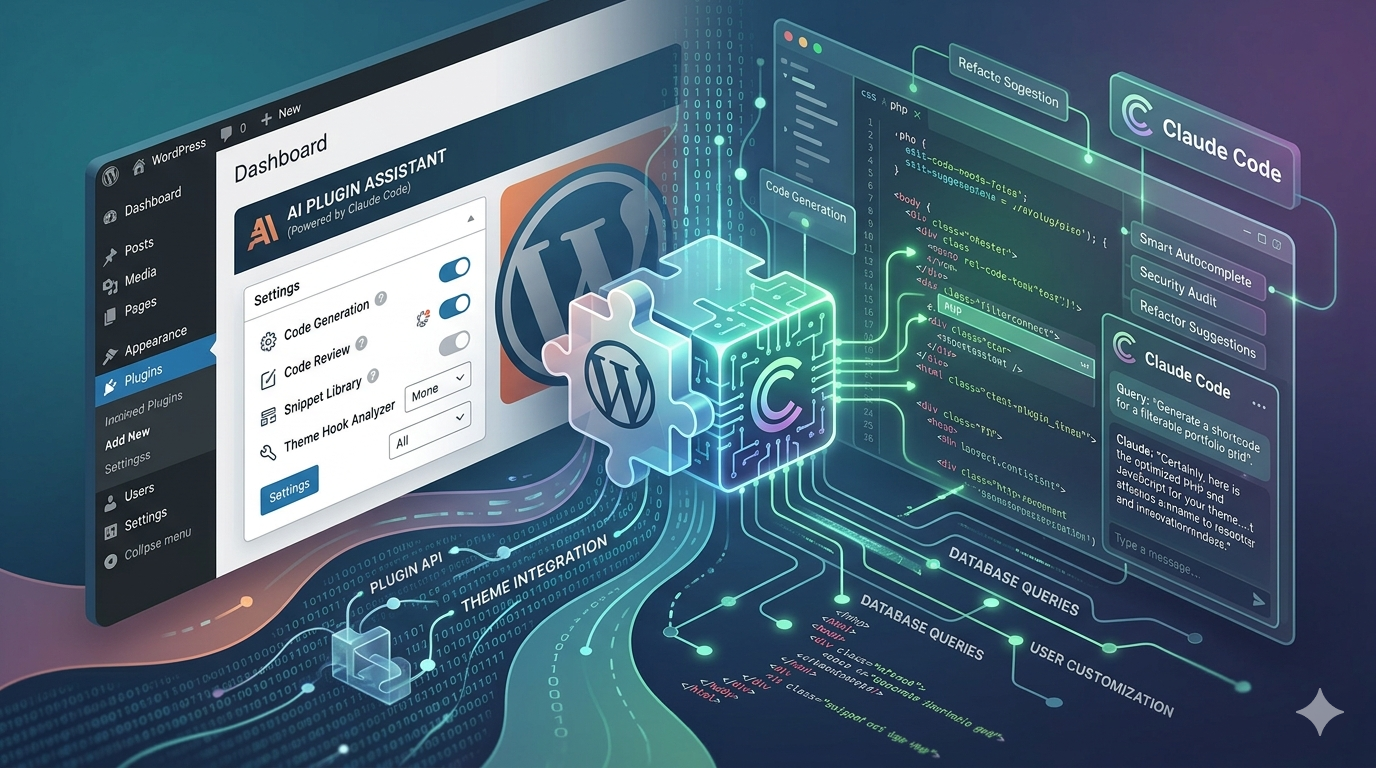
I’ve been using Claude Code for a while now, and something kept nagging at me. Every time I started a WordPress plugin project, I was repeating the same instructions. Don’t load scripts in the header – use wp_enqueue_scripts. Sanitise your inputs. Escape your outputs. Use Yoda conditions. Tabs, not spaces. Every session, the same preamble.
So I built a plugin for Claude Code that handles all of that automatically.
The Problem With AI and WordPress
Here’s the thing about WordPress development that trips up AI tools: there’s a right way to do almost everything, and it’s rarely the obvious way.
You can’t just drop a <script> tag in your template. WordPress has wp_enqueue_scripts and admin_enqueue_scripts for a reason – dependency management, version control, conditional loading. You don’t query the database with raw SQL when WP_Query exists. You don’t output user data without escaping it first. You don’t process a form without checking a nonce and verifying capabilities.
These aren’t preferences. They’re the rules of the ecosystem. Break them and your plugin either gets rejected from the WordPress.org repository, introduces security holes, or quietly breaks something else on the site.
AI doesn’t know this by default. It knows PHP. It knows general web development patterns. But WordPress has its own way of doing things, built up over two decades, and if you don’t tell the AI about those patterns explicitly, it’ll write code that works but isn’t WordPress code. It’ll function, but it won’t belong.
What I created was for my purposes
Claude Code plugins let you package up skills, commands, and reference material that load into a session on demand. Think of it as giving Claude a specialist briefing before it starts work.
My Claude Code plugin has three parts.
A Core Skill
This is the big one. It’s a detailed skill definition that tells Claude how to write WordPress plugin code properly. Not just “follow WordPress coding standards” – the actual specifics. Strict types on every PHP file. DocBlocks on every function. Small functions that do one thing. Early returns over nested conditionals. Security as a non-negotiable: sanitise input, escape output, verify nonces, check capabilities, use prepared database queries.
It covers the lot – custom post types, hooks, REST API controllers, block development with the Interactivity API, asset enqueueing, internationalisation, testing with PHPUnit and Playwright, performance patterns like transient caching and optimised queries.
The skill also includes reference files that load progressively. Claude doesn’t dump the entire WordPress developer handbook into context at once. When it’s building a REST controller, it loads the REST API reference. When it’s setting up tests, it loads the testing reference. When it’s handling activation and deactivation, it loads the lifecycle reference. This keeps context focused and tokens sensible.
/plugin-tasks – Plan before I build a WordPress plugin
This command takes your description of what you want and turns it into a structured task list. No code gets written. You describe the plugin, Claude breaks it down into logical groups – data layer, admin UI, REST API, blocks, whatever applies – and produces a markdown file with numbered, sequential tasks. Each task has a clear description and a verification step so you know exactly how to confirm it’s done before moving on.
If you’ve read my piece on why AI won’t replace developers who can think, you’ll recognise this approach. Discovery first. Plan on paper. Then build. It’s the same principle, just formalised into a command.
The tasks are designed to be small enough that each one can be tested in isolation. If a task description needs more than two sentences, it’s too big and needs splitting. This matters because when you’re working with AI, small testable steps are how you catch problems early instead of untangling a mess three hours later.
/plugin-build – One task at a time
This is where the code gets written. The command reads your task list and works through it step by step. It implements a task, runs the verification check, marks it complete in the markdown file, and then pauses to ask if you’re ready for the next one.
That pause is deliberate. It’s a checkpoint. You review what was just built, test it yourself if needed, and either confirm or redirect. The AI doesn’t chain five tasks together and hope for the best. One task, one verification, one check-in. Then the next.
This is the bit that matters most, I think. AI is brilliant at generating code quickly. It’s less brilliant at knowing when to stop and let a human look at what it’s done. The forced pause after each task is a simple mechanism, but it changes the dynamic from “AI builds, you hope” to “AI builds, you verify, you decide.”
/plugin-status – Pick up where you left off
This one’s for the practical reality of working with AI tools: sessions end. You run out of tokens, you need to step away, you come back the next day. The status command checks what’s been built against the task list and gives you a report. Here’s what’s done, here’s what’s next, here’s where you are. It means you can pick up a build without the AI accidentally overwriting previous work or losing track of progress.
Guardrails, not restrictions
I keep using the word “guardrails” and I want to be clear about what I mean. This isn’t about stopping AI from going rogue. Claude isn’t going to start deleting databases or rewriting your wp-config.php for a laugh.
The guardrails here are about quality and consistency. WordPress has coding standards. It has security patterns that exist because people got burned when they didn’t follow them. It has specific APIs for specific jobs. The guardrails in this plugin are simply: do it the WordPress way.
That means tabs for indentation. Spaces inside parentheses. Yoda conditions. declare(strict_types=1) on every file. Prefixed hooks and option names. Scripts loaded through the proper enqueueing system. Database queries through $wpdb->prepare(). Nonces on every form. Capability checks before any sensitive operation.
None of this is revolutionary. Any experienced WordPress developer knows these rules. The point is that the AI should know them too, without you having to say it every time.
What I learned building it
The Claude Code plugin system is straightforward once you understand the structure. You’ve got a plugin.json manifest, a skills directory for the knowledge base, a commands directory for slash commands, and a references directory for detailed examples that load on demand.
The progressive disclosure pattern was the most useful design decision. Instead of cramming everything into one massive skill file, I kept the core patterns in the main skill and split the detailed templates into separate reference files – one for bootstrap and config files, one for security patterns, one for blocks, one for REST API controllers, one for testing setup, one for activation and lifecycle management. Claude loads what it needs, when it needs it.
The task-driven workflow was something I’d already been doing manually. I wrote about it in my post on working with AI in real-world development – discovery first, plan on paper, one task at a time. Building it into the plugin just formalised what was already working.
I used AI to help structure the plugin itself, mind – I’m not going to pretend otherwise. But the decisions about what to include, how to structure the workflow, and what the guardrails should enforce? That came from years of building WordPress plugins and knowing where things go wrong when you don’t follow the conventions.
I might add further commands down the line, but I have included everything I need for the time being: a task list, a build, and a status command. I am a firm believer in the KISS principle, so I will assume you are familiar with the “Keep It Simple, Stupid” acronym. Efficiency is my goal here, after all.
Try it for yourself
The plugin is open source on GitHub. Clone it into your plugins directory, load it with --plugin-dir when you start a Claude Code session, and give it a go.
..change to your claude directory..
cd ~/.claude/plugins..clone the repo..
git clone https://github.com/eirichmond/wordpress-plugin..use the plugin in a session to access the commands, skills and references, make sure you `cd` into your plugin folder first before running this…
claude --plugin-dir ~/.claude/plugins/wordpress-pluginStart with /plugin-tasks and a description of something you want to build. Review the task list. Then run /plugin-build and work through it step by step. You’ll notice the difference immediately – the code comes out structured, secure, and following WordPress conventions from the first line.
You can also build your own Claude Code plugins for whatever domain you work in. The plugin documentation walks you through the structure, and once you’ve seen one example, the pattern clicks quickly. If you’ve got a set of instructions you find yourself repeating every session, that’s your sign to package it up.
Let me know how you get on. I’m genuinely curious what people build with it.
The best AI guardrails aren’t about stopping the AI from doing something wrong. They’re about teaching it to do things right in the first place.


Leave a Reply